

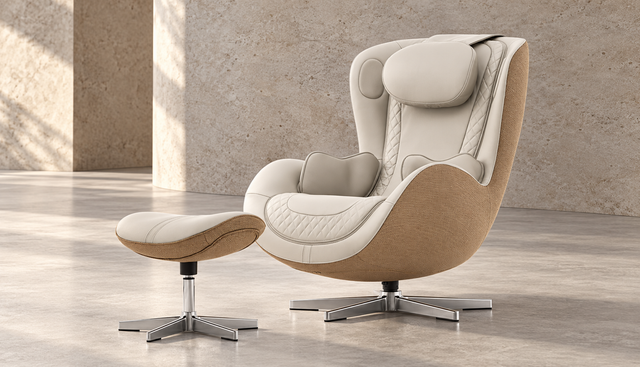
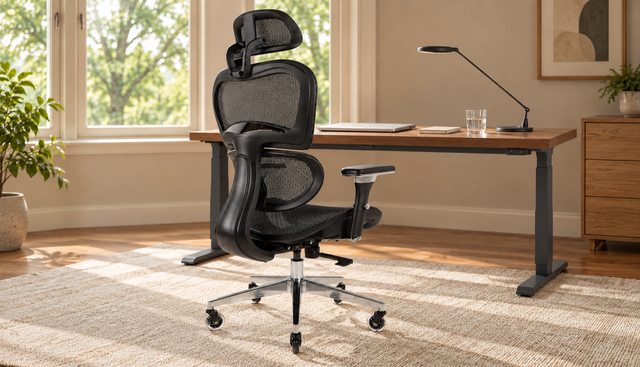
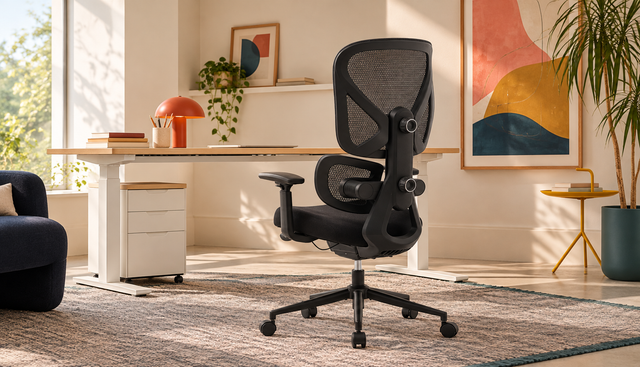








Best Office Chairs: Choosing Comfort & Ergonomics
Choosing the Perfect Office Chair for Comfort
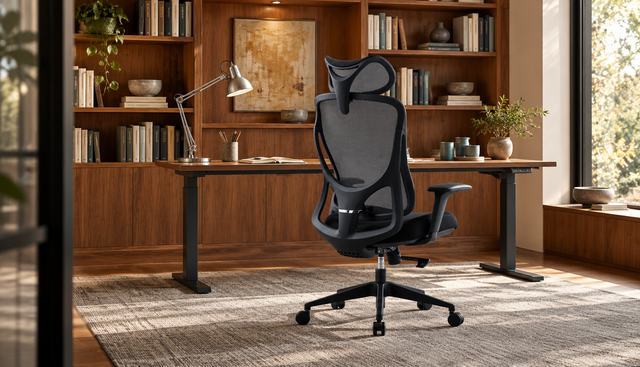
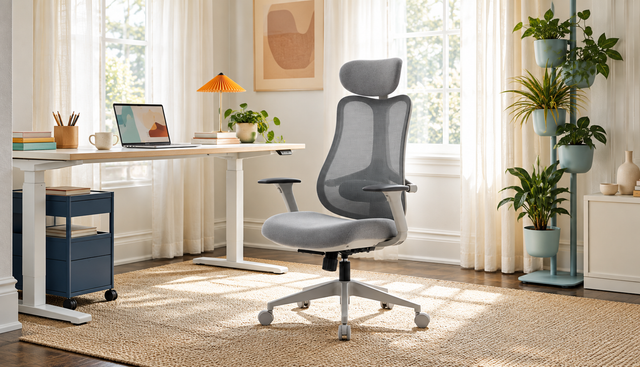
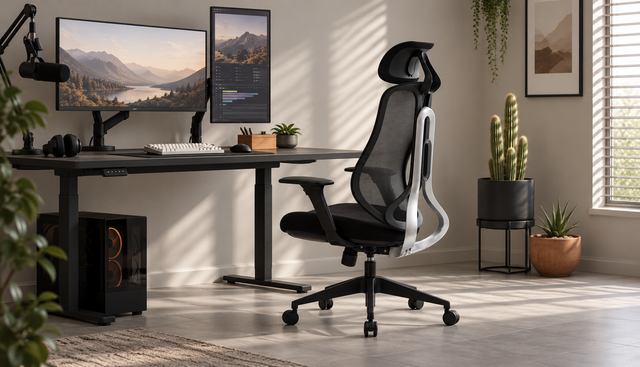
A good office chair does more than fill space behind a desk. It supports the way you sit, move, focus, and recover throughout the day, whether you work from a corporate office or a spare corner at home. The right choice balances comfort, adjustability, material, size, and style so your chair fits your body as well as your workspace.
What makes an office chair comfortable?
A comfortable desk chair feels supportive from the first sit, but its real value shows after several hours of use. Comfort comes from a mix of seat cushioning, back support, posture-friendly design, and the ability to make small adjustments as your body shifts during the day. An Office chair that looks good but locks you into one rigid position may feel fine at first and frustrating by midafternoon.
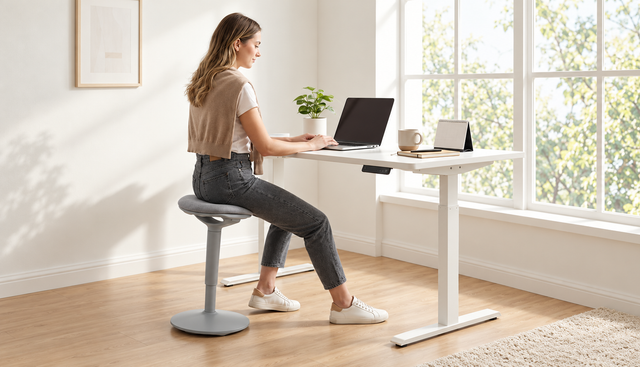
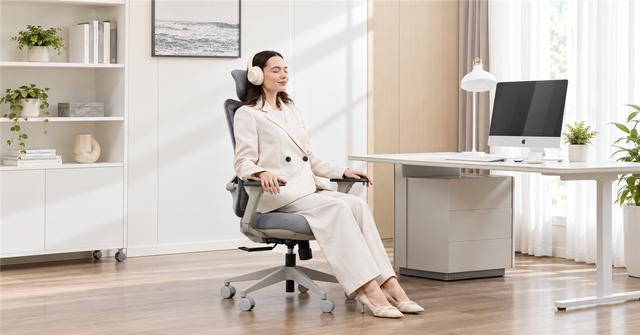
The best office chairs usually allow your feet to rest flat, your shoulders to relax, and your arms to stay close to your body while typing. Your lower back should feel supported without being pushed forward too aggressively. If you often lean, swivel, reach, or alternate between focused work and calls, the chair should move with you rather than make every position feel like a compromise.
Ergonomics should guide the decision
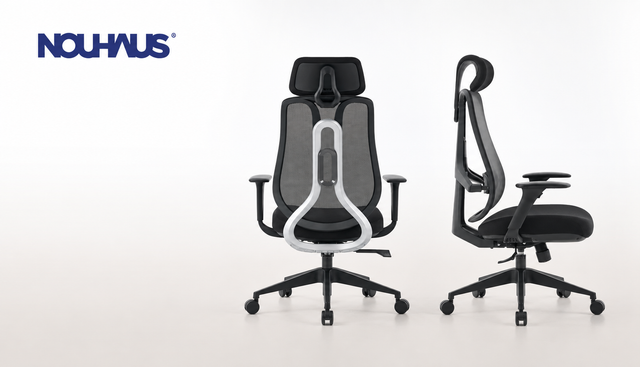
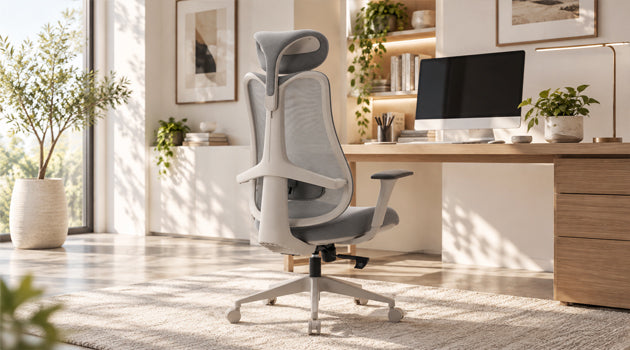
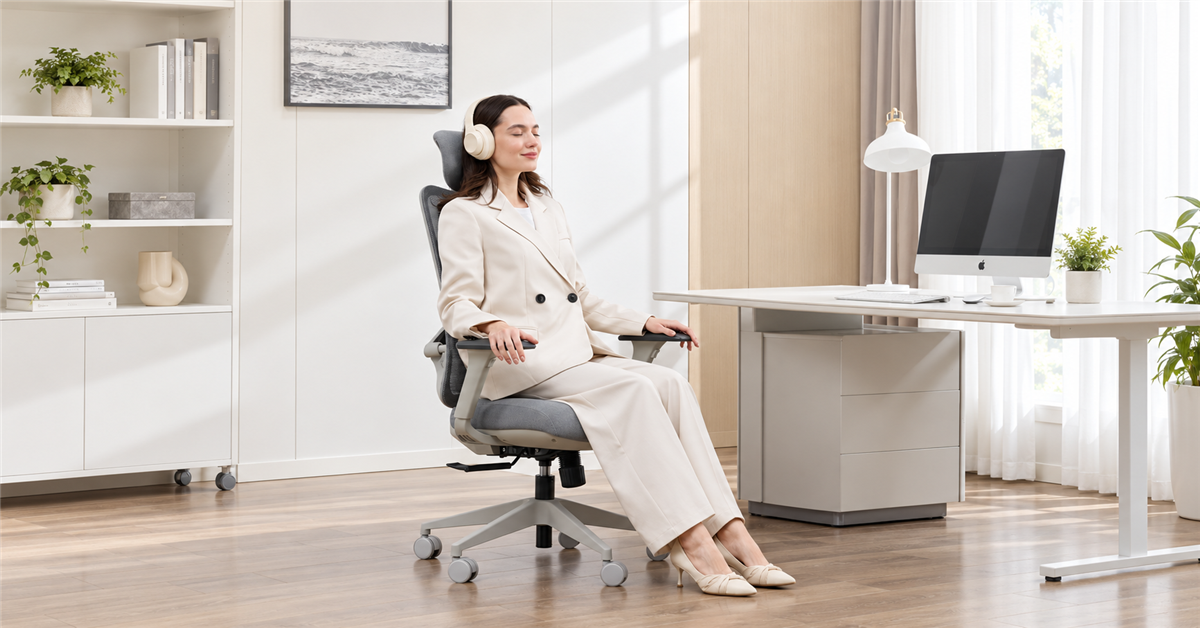
An ergonomic office chair is designed to support a healthier seated posture, but “ergonomic” should not be treated as a magic label. Look at what the chair actually lets you adjust and how naturally those adjustments fit your body. A chair that works beautifully for one person may feel too deep, too firm, too narrow, or too tall for someone else.
Key ergonomic details to consider include:
- Seat height: Your thighs should sit roughly level, with feet planted comfortably on the floor or a footrest.
- Seat depth: You should have a little space between the front edge of the seat and the backs of your knees.
- Lumbar support: The lower back should feel gently supported, not forced into an exaggerated curve.
- Armrests: Adjustable arms help reduce shoulder tension when they line up with your desk height.
- Recline and tilt: A controlled recline lets you change posture during longer work sessions.
- Swivel and casters: Easy movement reduces awkward twisting and reaching.
An adjustable office chair gives you more room to fine-tune these details. That matters because comfort is personal, and even small changes can make a chair feel noticeably better.
Match the chair to your workspace and routine
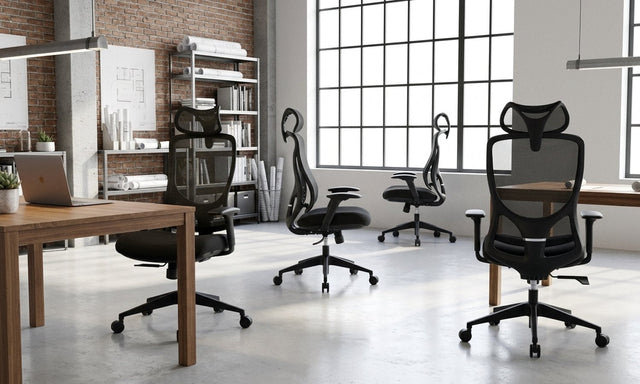
A home office chair often has to do more than a standard workplace chair. It may need to fit into a bedroom, living area, guest room, or compact desk setup without overwhelming the space. Before choosing, measure the area around your desk, check how far the chair can roll or recline, and think about whether you need it to tuck neatly away at the end of the day.
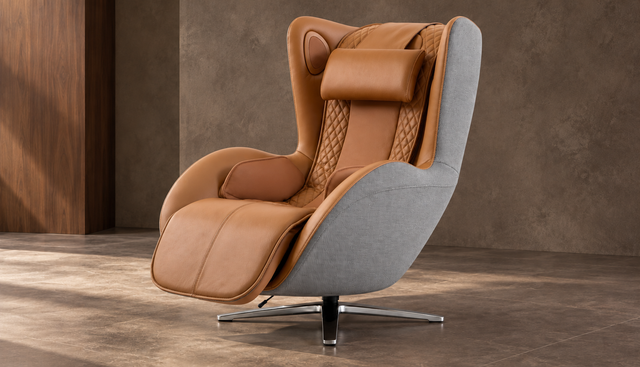
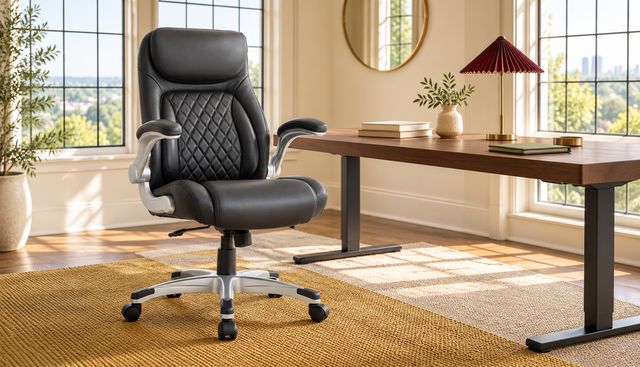
Material also plays a role. A leather office chair can create a polished, executive look and may suit a formal office or client-facing environment. Fabric and mesh styles can feel lighter and may be easier to blend into casual home offices. Instead of choosing material based on appearance alone, consider temperature, maintenance, and how long you typically sit.
Your routine should shape the decision as much as your decor. If you work eight-hour days at a desk, prioritize ergonomic adjustability over visual impact. If you use the chair mainly for light admin, studying, or occasional calls, you may be able to choose a simpler design as long as it still supports good posture.
Which features matter most for daily comfort?
The most important features are the ones you will actually use every day: supportive cushioning, reliable height adjustment, proper lumbar support, smooth movement, and a backrest that encourages natural posture. Extra features can be useful, but they should not distract from the basics. A good Office chair should make sitting easier, not require constant fiddling.
Use this quick checklist when comparing options:
- Sit support: The seat should feel cushioned but stable, not so soft that you sink or so hard that pressure builds quickly.
- Back comfort: The backrest should support your spine while still allowing relaxed movement.
- Adjustability: Height, armrests, tilt, and lumbar settings should be simple to change.
- Build feel: The chair should feel steady when you sit, lean, swivel, and roll.
- Desk fit: Armrests and seat height should work with your desk, keyboard, and monitor position.
- Room fit: The chair should suit the scale of the room, especially in smaller home office setups.
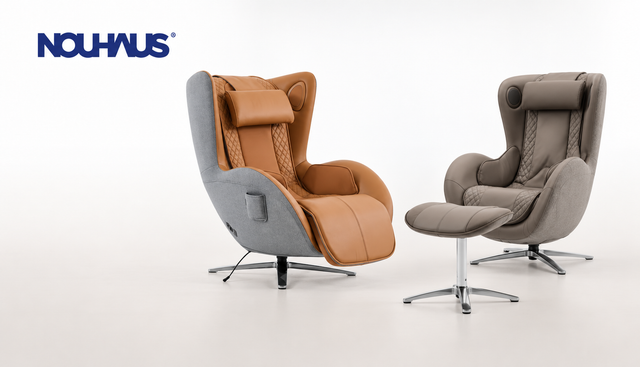
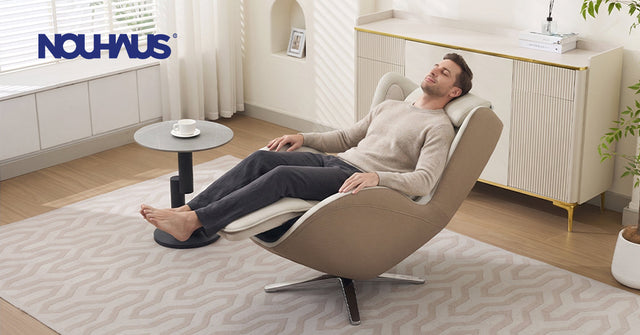
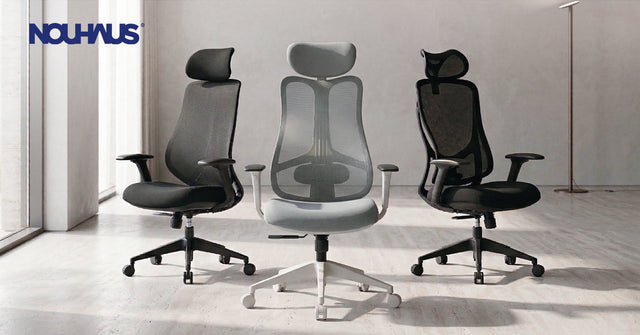
Brands such as Nouhaus are often considered by shoppers looking for a mix of comfort, modern styling, and home-office practicality. As with any brand, compare the specific model’s features, dimensions, materials, and return policy before deciding.
How do you choose between style and support?
Choose support first, then narrow the options by style. A beautiful chair that causes stiffness will not feel like a good purchase for long, while a supportive chair in a finish you like can improve both your workspace and your daily routine. The best choice is not the most dramatic design; it is the one you can sit in comfortably and consistently.
A practical way to balance both priorities is to define your non-negotiables before browsing. For example, you might require adjustable arms, lumbar support, a certain seat width, and a neutral color. Once those needs are clear, you can compare leather, mesh, fabric, high-back, mid-back, and minimalist designs without being distracted by chairs that do not fit your body or work habits.
If you share the chair with someone else, adjustability becomes even more important. Different heights, leg lengths, and posture preferences can make one fixed chair feel very different from person to person. In that case, an adjustable office chair is usually a smarter choice than a highly stylized chair with limited flexibility.
Common mistakes to avoid
Many people choose an office chair too quickly because they focus on price, appearance, or a single feature. Comfort is broader than any one detail. A thick cushion will not solve poor back support, and an impressive recline will not help if the seat height does not match your desk.
Avoid these common errors:
- Buying without checking chair dimensions against your body and workspace.
- Choosing a leather office chair only for its look without considering warmth and maintenance.
- Ignoring armrest height, especially if you type for long periods.
- Assuming every ergonomic office chair fits every person.
- Forgetting floor type, caster style, and how freely the chair needs to move.
- Keeping a chair that feels “almost right” even though it causes daily discomfort.
The goal is not to find a perfect chair on paper. The goal is to find a chair that supports your actual workday.
A better chair can change the workday
Choosing the right office chair is an investment in comfort, focus, and the way your workspace functions. Start with fit and support, then consider materials, design, and brand options that match your taste and budget. Whether you want a compact home office chair, a refined leather office chair, or a fully adjustable ergonomic office chair, the best option is the one that helps you sit well and work with less distraction.